|
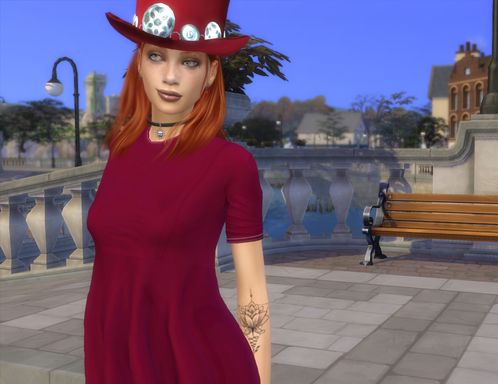
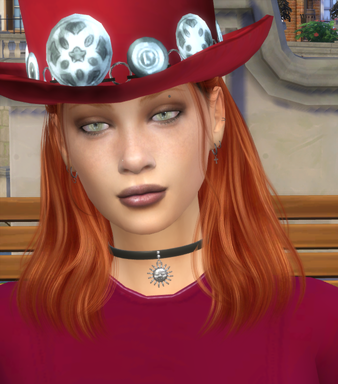
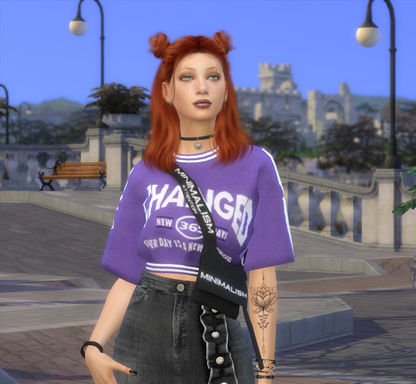
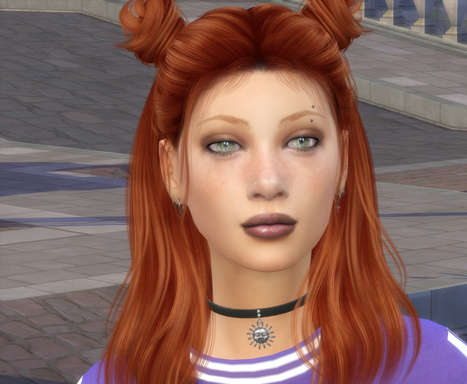
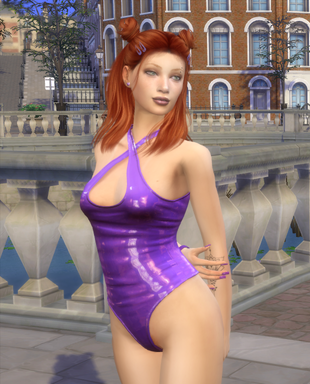
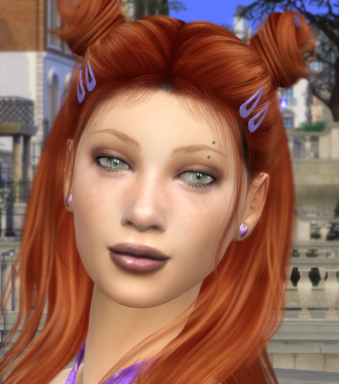
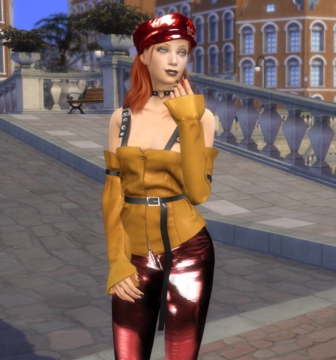
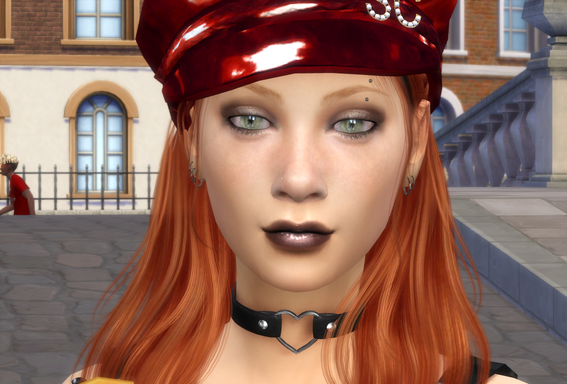
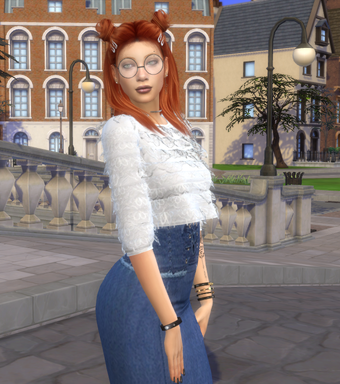
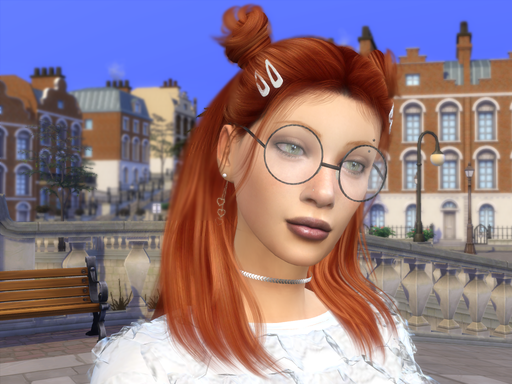
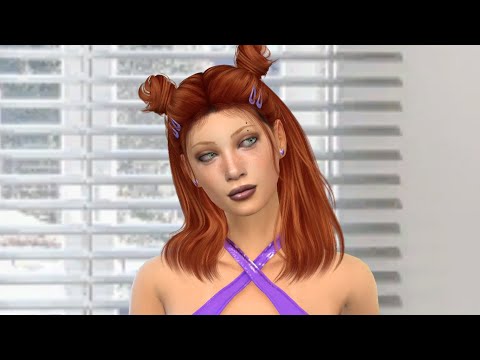
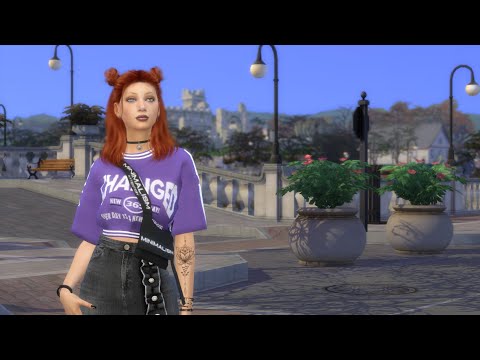
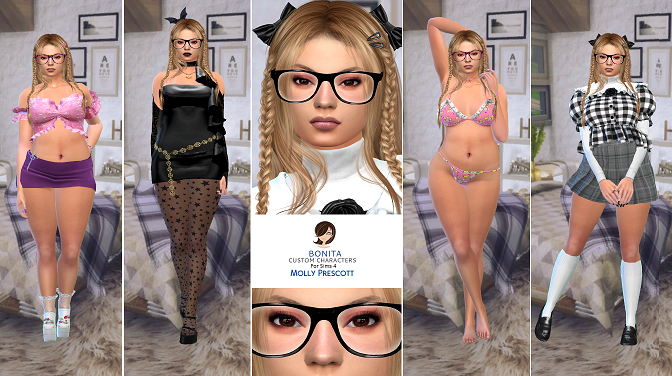
All screenshots are taken directly in-game without editing. No Reshade, GShade, filters, or visual enhancement tools were used.
The character looks exactly as shown during gameplay.
Looking changes nothing. Adding her to your SIMS world does. Download link below.

|
Do you like this character? Give it a heart by clicking on the green plus sign button.
|
|
32
|
|

|
|

|
|
|
This is a personalized version of Lili from Discover University. The idea, as always in these versions, is to keep as much of the original character as possible. Physically, the size and position of the breasts, buttocks and hips were modified to improve their slim appearance. The width of the face was also changed and the size of the chin was reduced a bit. Their tattoos were removed and a new one was added. Everything else is makeup, skins and costumes. Their traits and their voice did not change, but the way they walked did change.
In order to use it, I recommend having all the packs updated until The Sims 4 Cottage Living (Game Version 1.83.24.1030)..
This character uses a body‑shape modifier. If you don’t have it,
the body shape may vary slightly. I’m not recommending the full mod or its
optional features only the body‑shape component included in the mod available
[HERE].
![]()
Click on images to explore similar townies characters
Molly Prescott
|
Eva Capricciosa
|
Angela Gentil
|
Once the file is downloaded and unzipped you will see two folders,
one called Tray and the other called Mods. Copy the content of both to the corresponding folders.
(Documents/Electronic Arts/The Sims 4/Tray or Documents/Electronic Arts/The Sims 4/Mods).
Don't create subfolders in mods, copy the folder as you see it to mods.
If you already downloaded
other sims from this site, overwrite folders and files to avoid duplicates.
The height slider mod included with this character may not be compatible with other character height mods.
If you have problems, delete the height mods that you have previously installed
or delete the heightslidertoddlerfix.package file located in the OLDCC folder.
If you do the second, the character will not look the same as the screenshots.
|